Getting Started
Welcome to Bump
Onboarding information for Bump, the Depop sales bot
Congrats on installing Bump! We're going to make refreshing your items on Depop a ton easier for you. We highly recommend reading through this 2-minute guide to ensure you're getting the most out of Bump.
How do I use the product?
Just go to any shop on Depop.com and the Bump widget will be in the bottom right-hand corner of the screen. Here, you can sign up for a Bump account.
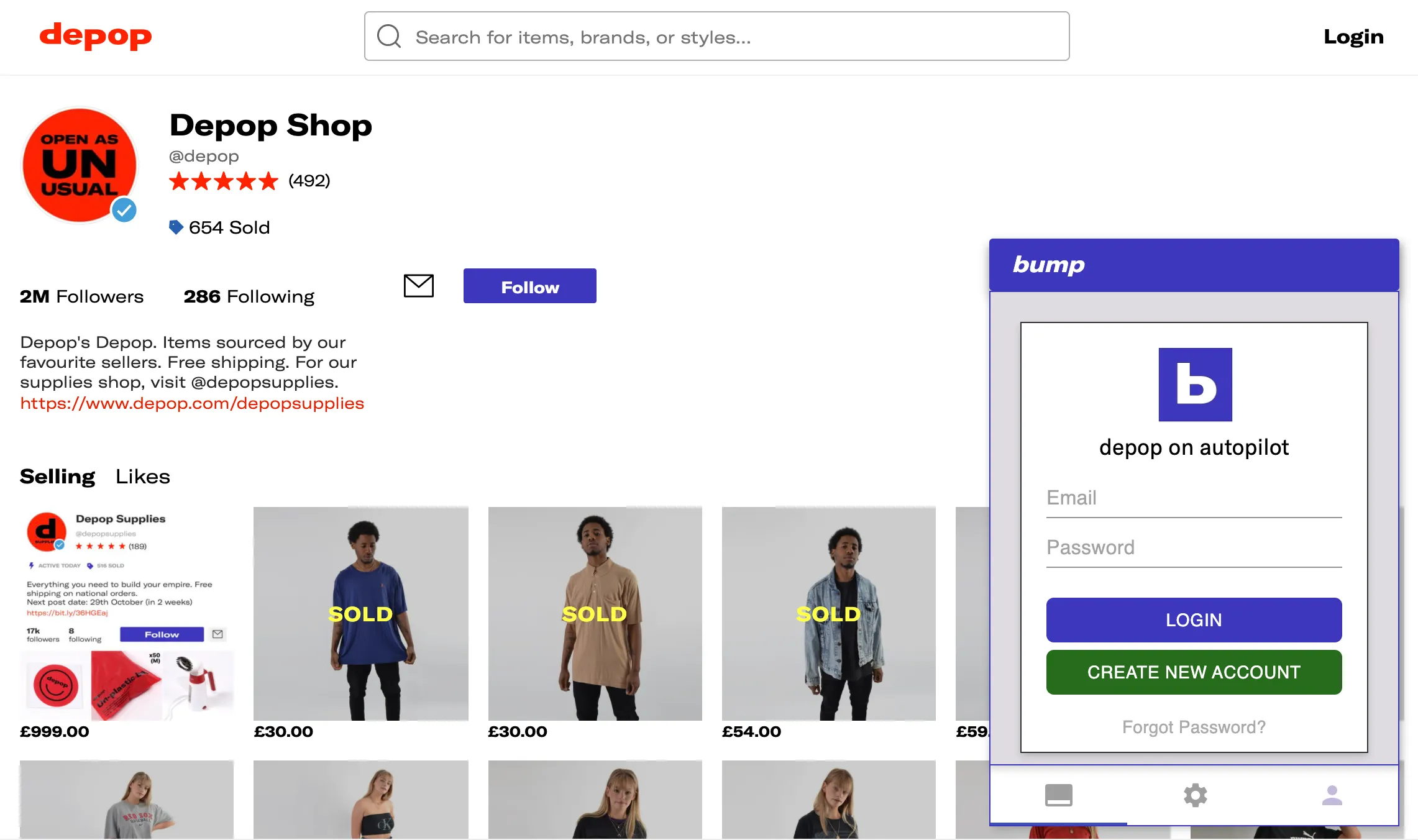
Signing up for Bump
How do I refresh/bump items on Depop?
After you sign up for an account, it will unlock the refreshing functionality in the Bump widget. First, make sure have your shop page loaded on Depop, then click on the leftmost tab, which has the option to "Bump Items". If you press this button, then all of your items will be refreshed, in order, with automatic pauses / delays between each refresh.
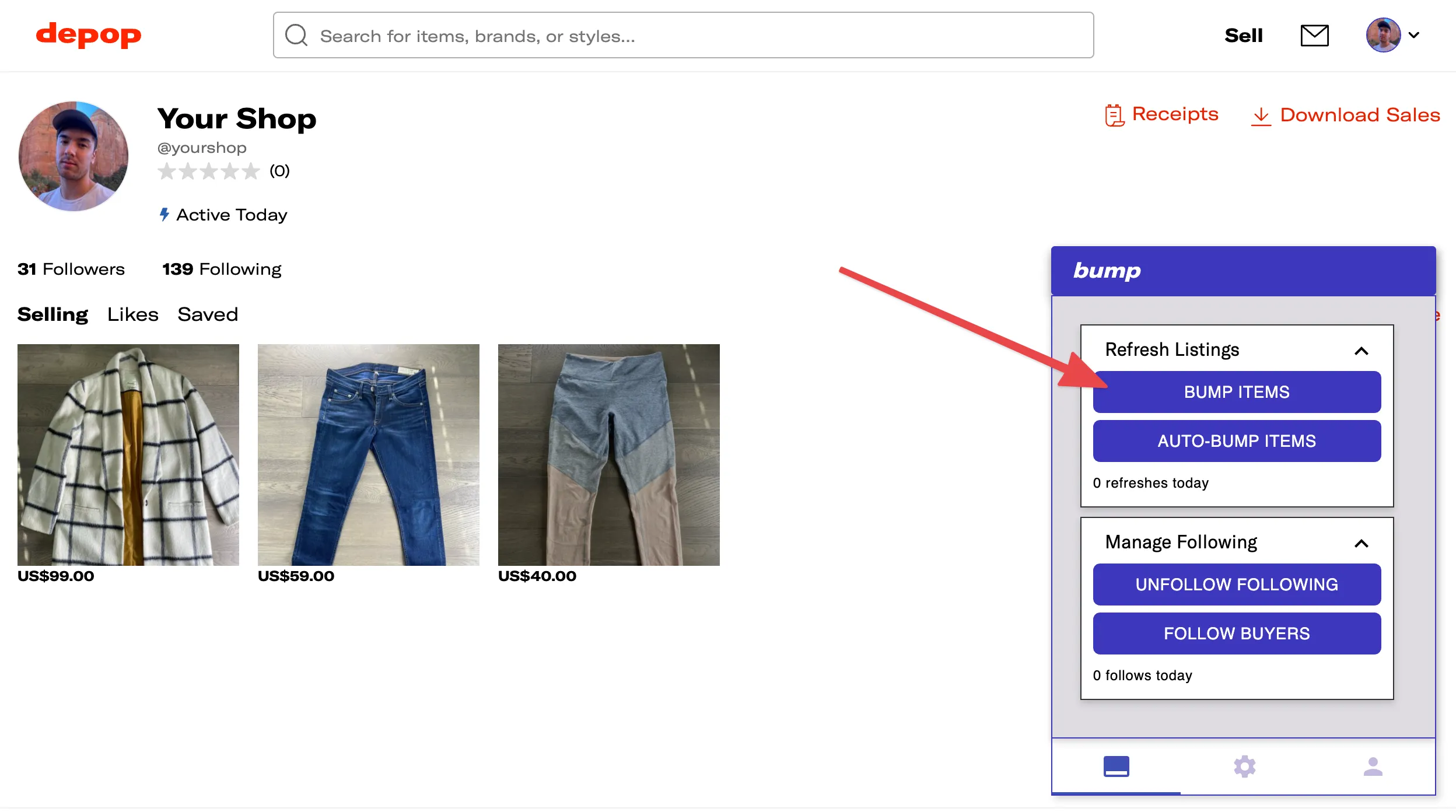
Bumping your items
What is Auto-Bump? Should I use it?
The "Auto-Bump items" feature is the set-it-and-forget-it mode to increase your Depop sales. It will automatically bump all of your items, wait ~3 hours (you can configure the wait time in Settings), then bump all of your items again, on a loop. If you keep this running all day, you will bump each of your items a few times each day and will greatly increase your items' exposure.
If you want to grow your Depop sales in the simplest possible way, keep Auto-Bump running during the day and you'll be all set.
How do the other features work?
Great question! We have more comprehensive information about how to use all of the Bump features in our FAQ. Please give it a look! If you still have questions, please email me at sean@bump.bot and I'm happy to help.